Swimming carnivals
Keep heats moving and results clear at the pool.
When races follow one another quickly, the program, lane list and times need to stay together. Houseplay supports the flow from nominations to heats, finals, relays and house points.
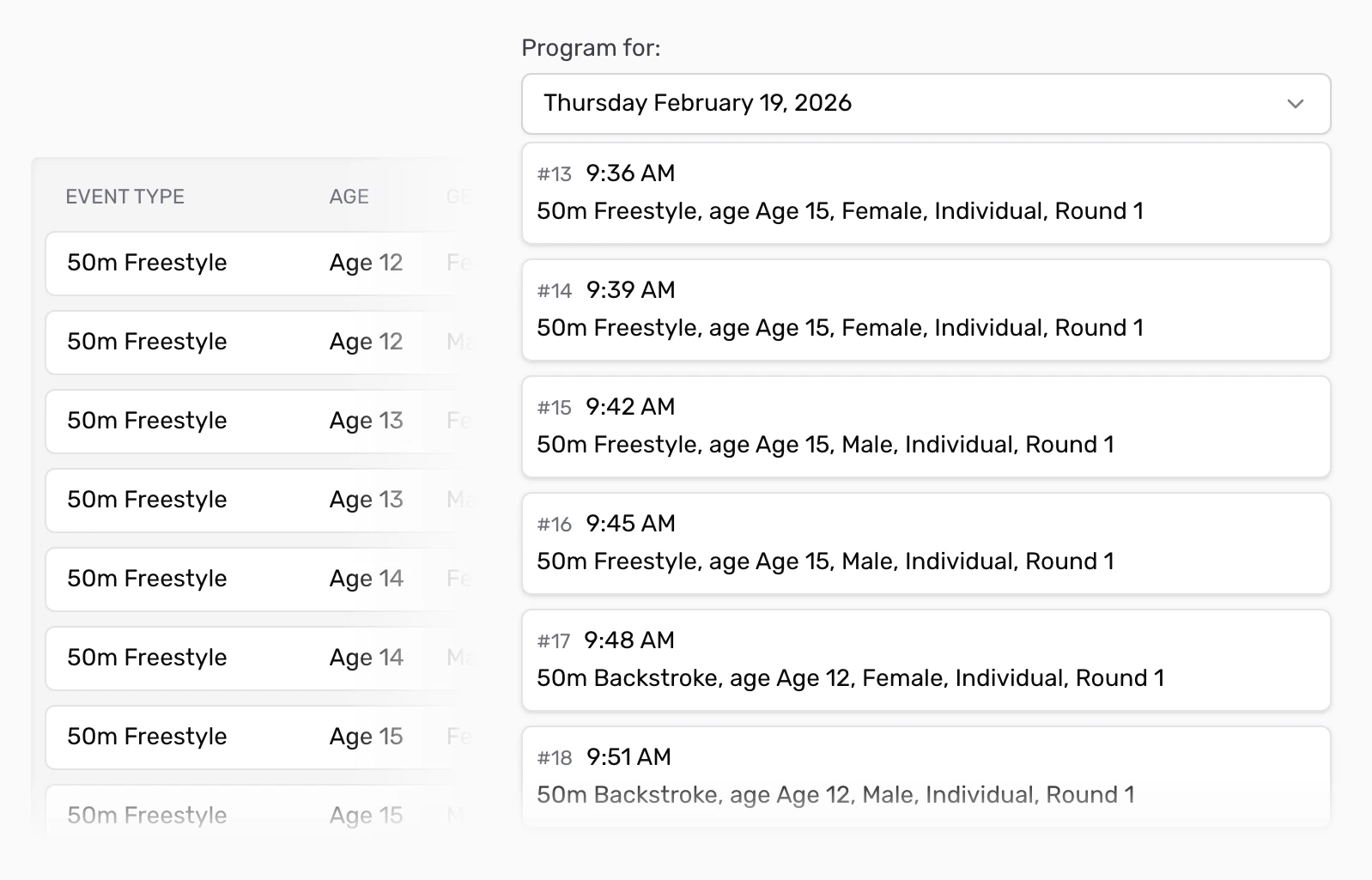
Know who is in each race, and what comes after it.
Set up events by age or grade, with the distances, strokes and team races your school runs. The program gives you the running order, while each event holds its swimmers and result details.
For races with nominations, Houseplay can organise entrants into heats and later rounds. Review each heat's lane list, then check who has advanced before the next round. Relays can sit in the same carnival alongside individual races. See how lane assignment works.
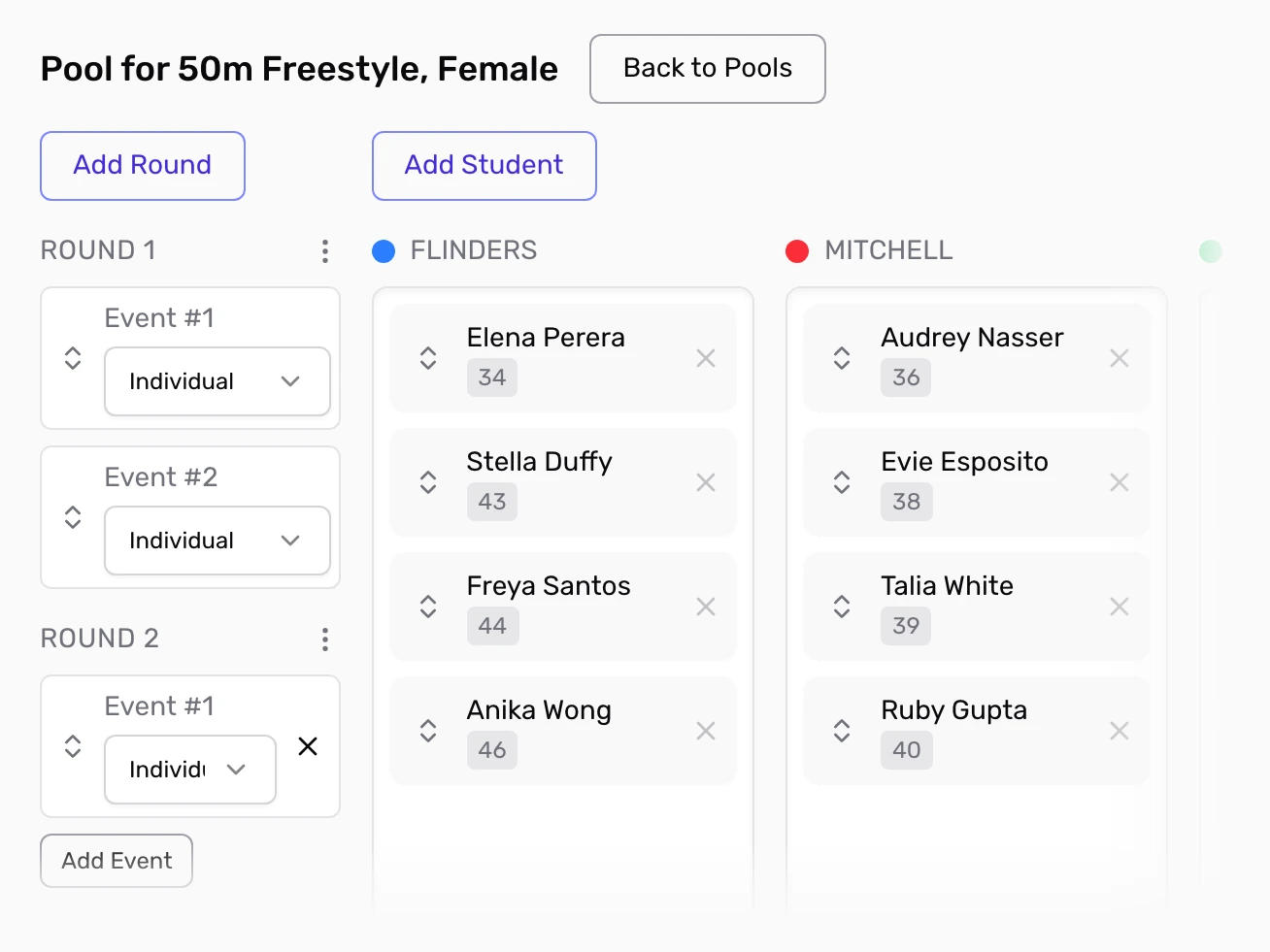
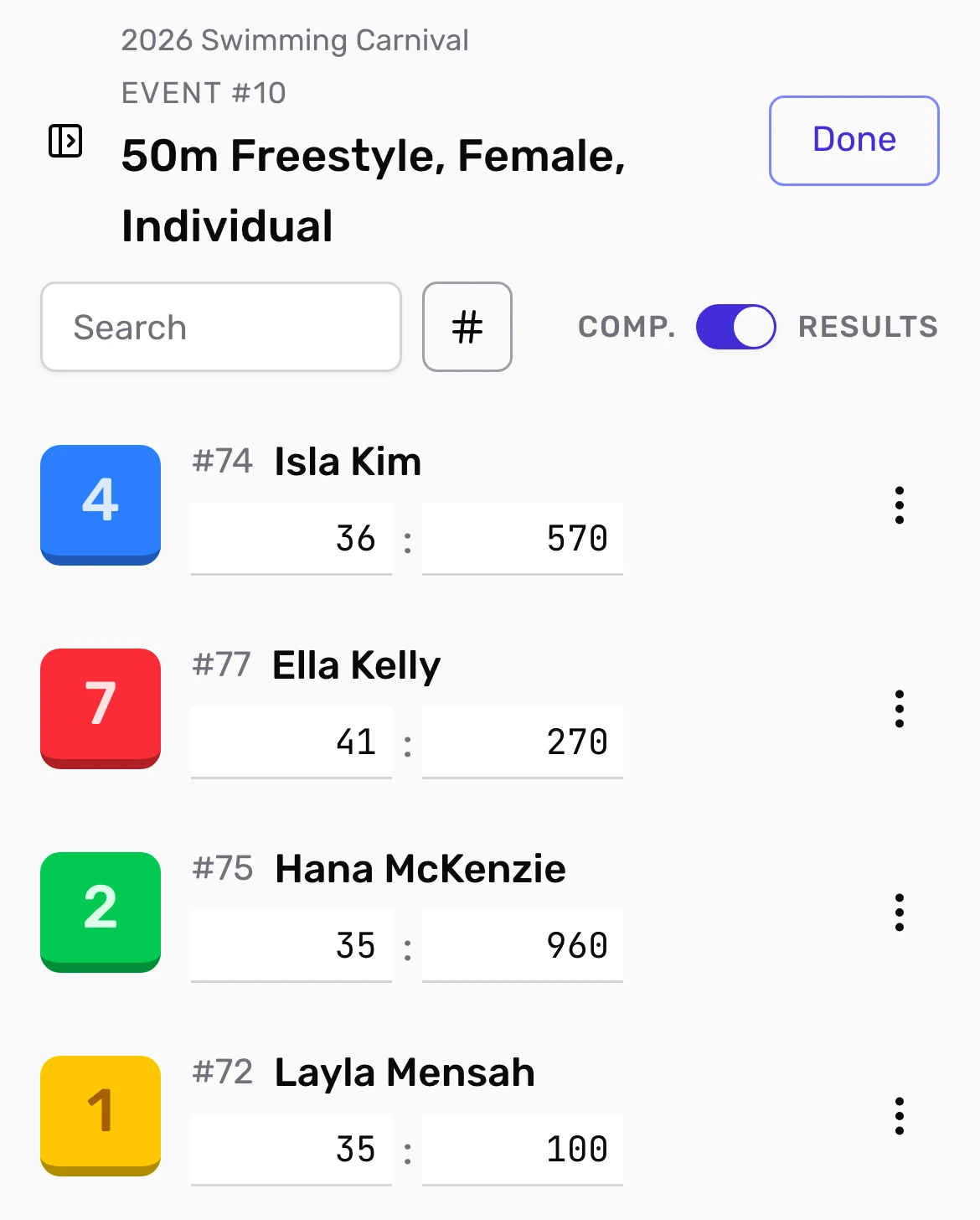
Keep the next heat moving while times are recorded.
Staff can enter times poolside from a phone or tablet, correct a result if needed and complete the race when it is ready. Completed heats can feed the next round; completed events contribute to the school's scoring rules.
You can give marshals result-entry access without giving them the whole school setup. If poolside connectivity is unreliable, print result forms and enter the times afterwards. Plan a paper-first fallback.
Give the pool a score everyone can follow.
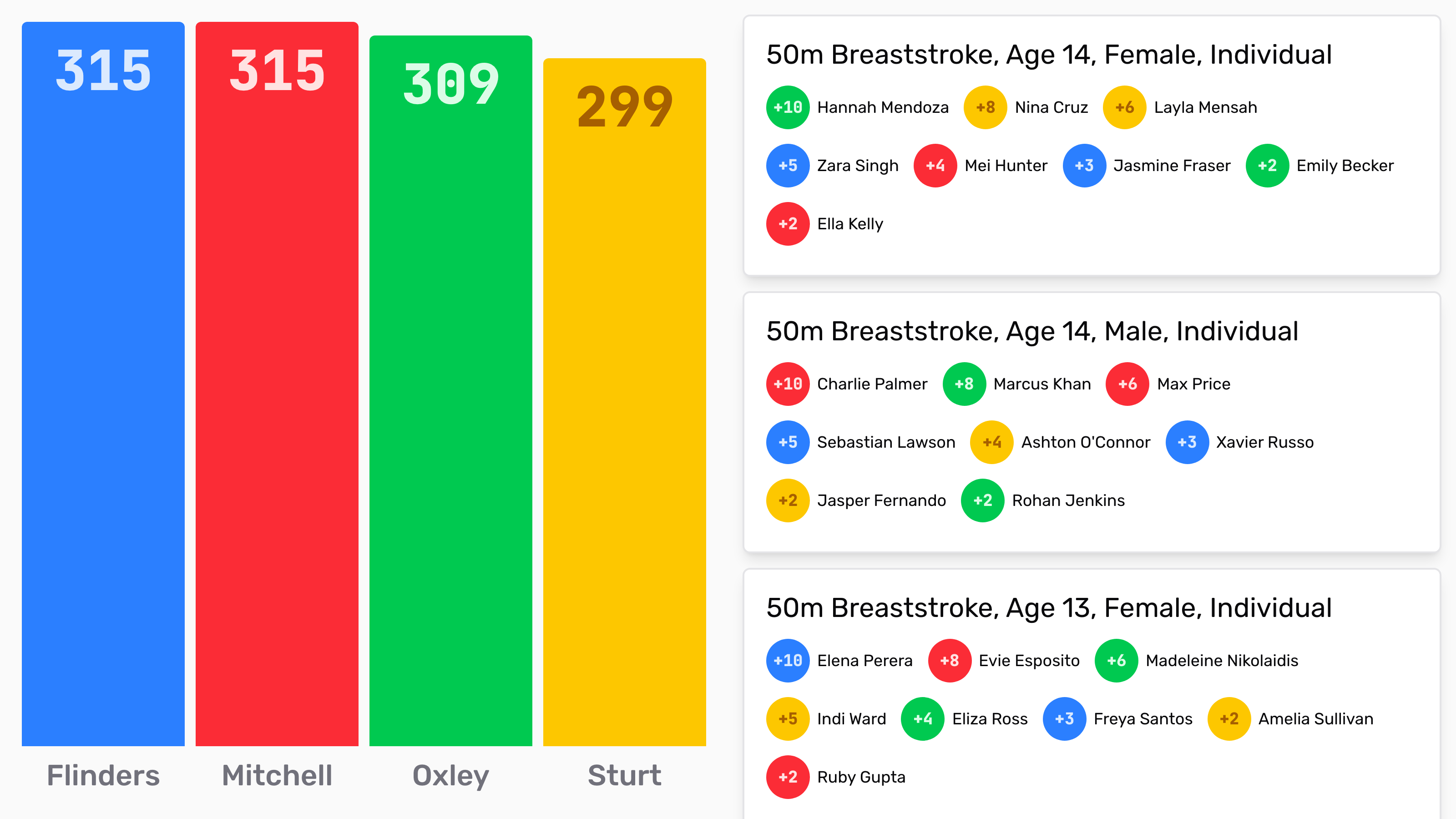
House points update as races are completed. Add bonus points when something outside a race should count, and review potential school records before celebrating them. The billboard can show recent results and the current house tally to people watching.
Print lane-ready result forms if officials need paper at the pool. Afterwards, download competitor results to review each swim and student points to see what contributed to the tally. Create a fresh export after any correction. Find the right report.
Use your first carnival to decide.
Start with 14 days free and no credit card. If your first carnival is later, send us its date; we'll extend access through that carnival for free.